Configure Operator Offerings
Live Platform generates a JSON file that defines the calling contract offerings for customer leads. This procedure describes how to configure the file's metadata in the Tenant Details tab. The JSON file. The file can then be downloaded and sent to Microsoft for approval. Once approved, it customer can choose their desired operator in their Teams admin center based on the metadata configured in the JSON file. The JSON file includes:
| ■ | Service Provider tenant details |
| ■ | Calling Offerings including calling types and country codes |
| ➢ | To edit service provider settings: |
| 1. | From the Operator Connect drop-down menu, select Edit Service Provider Settings. |
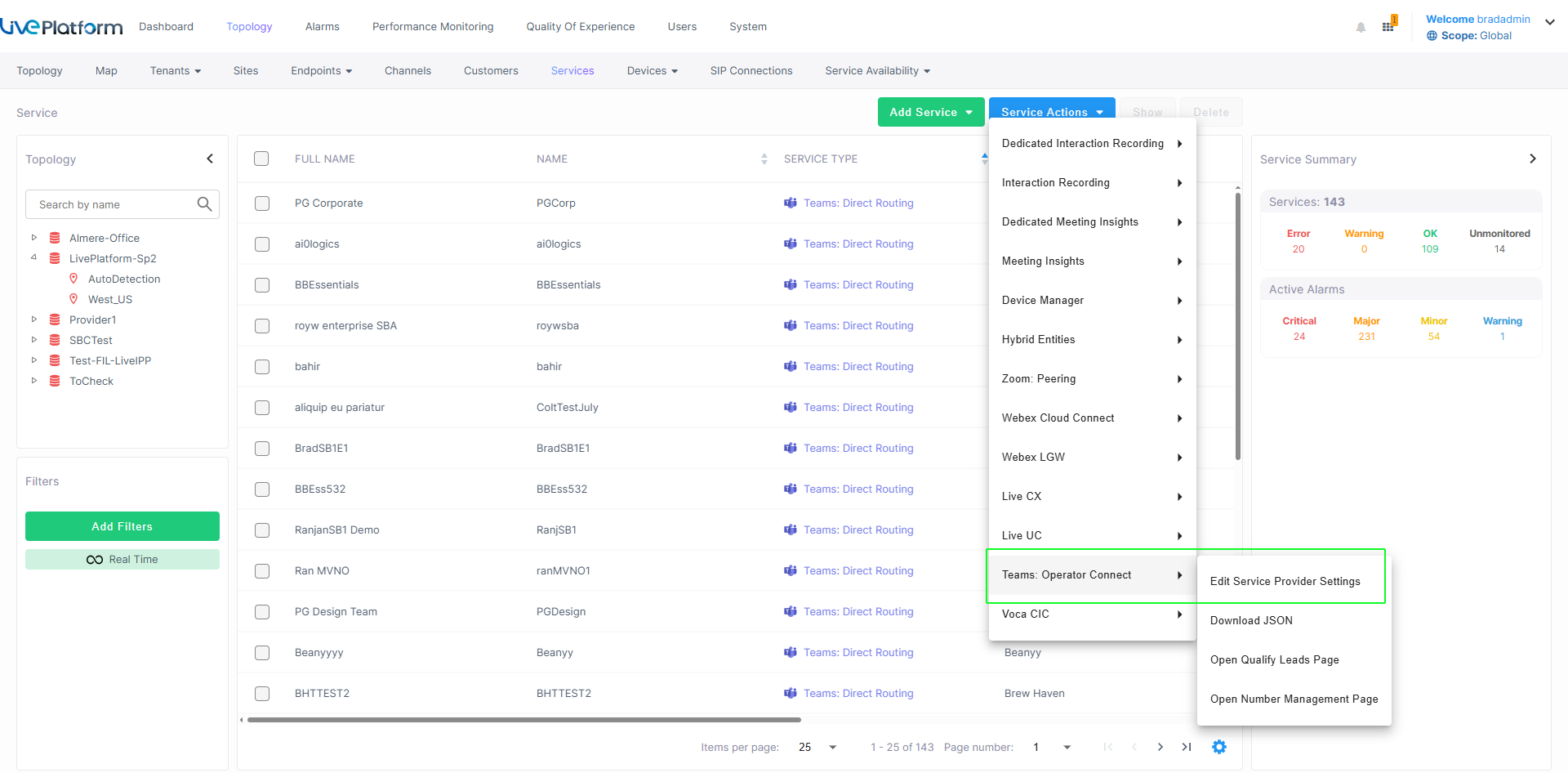
| 2. | From the drop-down, select the desired tenant to edit and then click Select. |

| 3. | Click  to add an Operator Connect Contact. to add an Operator Connect Contact. |
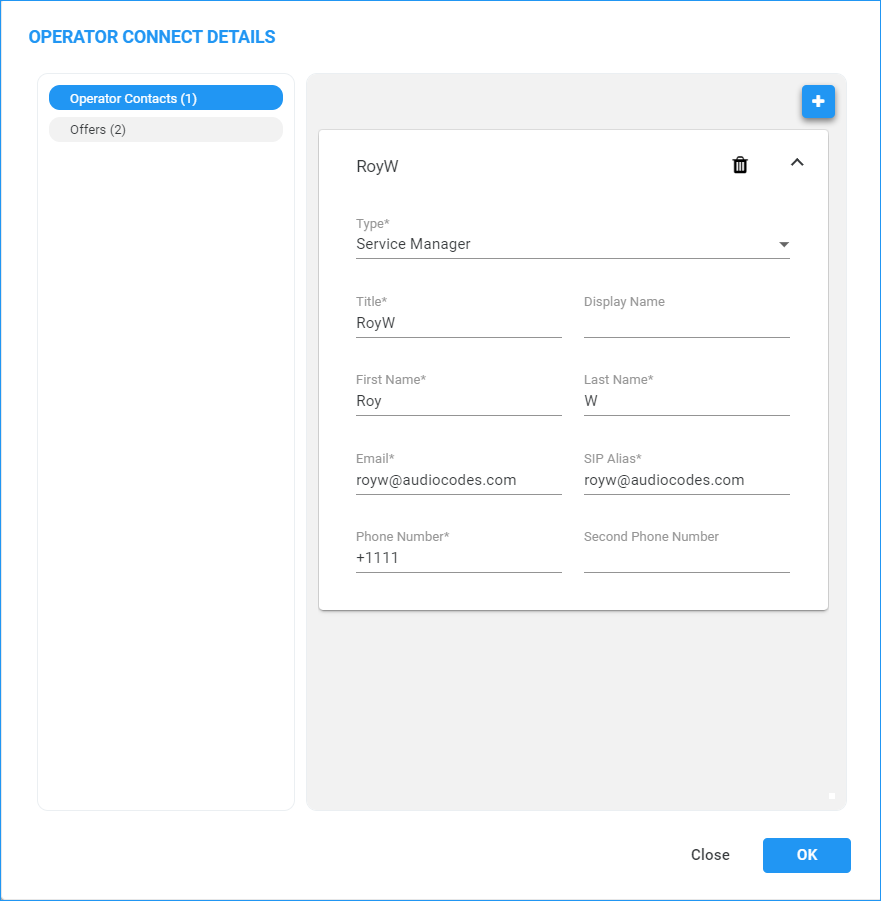
| 4. | Configure the Contact Details using the table below as a reference and then click OK. |
Contact Details
|
Field |
Description |
|||||||||||||||
|---|---|---|---|---|---|---|---|---|---|---|---|---|---|---|---|---|
|
Type |
From the Type drop-down, select one of the following:
|
|||||||||||||||
|
Title |
Title |
|||||||||||||||
|
Display Name |
Display name in Live Platform portal. |
|||||||||||||||
|
First Name |
First Name |
|||||||||||||||
|
Last Name |
Last Name |
|||||||||||||||
|
|
Work Email address |
|||||||||||||||
|
SIP Alias |
SIP alias |
|||||||||||||||
|
Phone Number |
Primary Work phone number. |
|||||||||||||||
|
Second Phone Number |
Second Work phone number. |
| 5. | Select the Offers tab. |
| 6. | Configure parameters according to the table below and then click OK. |
|
Field |
Description |
||||||
|---|---|---|---|---|---|---|---|
|
Offer Type |
|
||||||
|
Offer Markets |
|
||||||
|
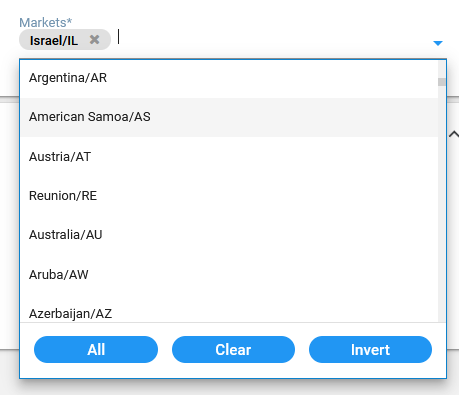
Markets |
List of countries for activating calling. |